Roll a Fisherman Seals Update & Seal Feed
What the [SEALS] content wave added, how to redeem SEAL correctly, and how seal feed fits a fair Dock loop.
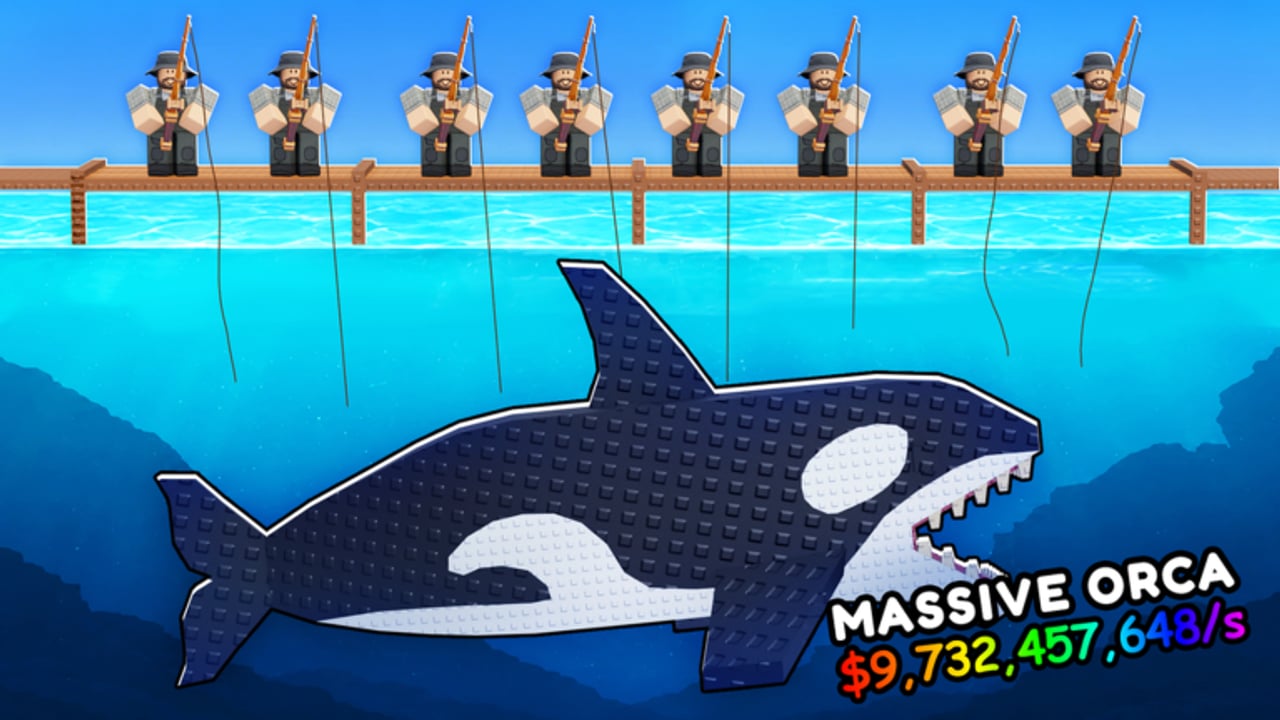
The seals wave is a content tag, not a second game
In late September 2026, Roll a Fisherman entered a seals-themed content wave. Roblox titles, thumbnails, and community posts often show the experience tagged [SEALS]. That tag marks the update era — seal-related systems, promo codes, and script toggles that appeared alongside it — not a separate place ID. You still play the same FISH X SPEEDI loop: roll fishermen → Dock → catch → Stand → Cash → upgrade → Rebirth.
This page explains what players should expect from the seals era, how to avoid the SEAL vs SEALS code trap, and how to treat seal feed and crates as observed features without inventing cost tables. Cross-check redeem steps on the Codes Hub, timeline notes on Updates, and ban-risk automation notes on Scripts. New accounts should still start with Getting Started before chasing seal side systems.
Values and feature names below are observed from late September through early October 2026 play, official description codes, and community script listings. Confirm live UI tooltips after every client patch.
What [SEALS] usually means in the wild
When you see [SEALS] on a video title, Discord ping, or Roblox listing, it usually signals one or more of:
- The game description / marketing tag for the seals content wave
- New or highlighted promo codes tied to that wave (
SEAL,FISHING) - Seal feed interactions players can complete in-session
- Crate place-and-open flows that community macros began advertising in the same window
- General “update just dropped” energy — not a guarantee that every server build matches every YouTube thumbnail
Do not assume a seals-tagged server has unique fishermen prices or Rebirth costs. Core economy guides — Fish Income, How to Roll, Rebirth — still apply. Seals content layers on top of that machine.
Official code: SEAL (3 Spins), not SEALS
The seals wave shipped a promo code that confuses almost everyone once:
| What players type | Result |
|---|---|
SEAL | Official spelling — 3 Spins (observed working with the late September / October 2026 description list) |
SEALS | Common typo / plural form — fails |
Chat, thumbnails, and even some third-party code roundups write SEALS because the update tag uses the plural. The redeem string is SEAL without a trailing S. If Shop rejects your input, fix the spelling before assuming the code expired.
The same wave also highlighted FISHING (2 Spins). Together with older description codes (RELEASE, UPDATE1, UPDATE2, GOLD, UPGRADES), these Spins feed early Dock rolls. Redeem order and spend advice live on Codes. Never invent extra seal codes from Discord spam images — wait for the official Roblox description or staff Discord channels tracked on Updates.
Redeem reminder (seals codes)
- Finish the tutorial so Shop unlocks.
- Open Shop → scroll to the bottom.
- Enter
SEALexactly, then Redeem. - Enter
FISHINGand any other active codes the same sitting. - Spend Spins on rolls you will actually place (How to Roll).
Seal feed — observed feature, check costs in-game
Community reports and script feature lists describe a seal feed system that arrived with (or around) the seals wave. Players interact with a seal-related feed loop — supplying whatever the live UI asks for and claiming whatever reward panel the client shows.
This wiki deliberately does not invent feed cost tables or reward multipliers. Costs, item types, cooldowns, and payouts can change between hotfixes, and screenshot numbers go stale fast. When you find the seal feed UI in your client:
- Read the on-screen cost before confirming.
- Compare the reward to what the same resources would buy on Dock/Stand upgrades.
- Skip feeds that drain Cash or materials you need for an imminent Rebirth.
- Recheck after patches — a “cheap” feed yesterday can be a sink today.
Treat seal feed as an optional side loop. It should never replace the core Stand income plan in Fish Income. If feeding the seal requires fish you would rather display, do the Stand math first.
Scripts that advertise Auto Feed Seal
Popular community loaders list an Auto Feed Seal toggle alongside Auto Collect and Auto Rebirth. That advertising proves the feature exists in the client enough for macros to target it — it is not permission to automate. Using executors can ban your Roblox account. Feature summaries and risk language live on Scripts. Fair players should feed manually, if at all, after reading the live prompt.
Crates in the seals era
The same community script wave that added Auto Feed Seal also advertises Auto Place & Open Crates. That pairing places crates in the seals-era conversation even when crate UI is not branded with a seal icon every time.
Practical crate advice without fake loot tables:
- Open the crate UI yourself and read placement / open costs in-session.
- Do not assume crate loot beats a planned Dock hire or Rebirth bank.
- Turn off any auto-open macros after client updates until you confirm the UI still matches (Scripts, Updates).
- If crates consume Spins, Gold, or Cash, budget them like any other sink — Spins usually belong on fishermen rolls first.
Crates are a side system. They do not rewrite the hierarchy: Dock quality → Stand quality → Rebirth multipliers still decide long-term Cash.
How seals content fits a fair session
Use this order when a seals-tagged update lands:
- Redeem
SEAL,FISHING, and every other working code (Codes). - Stabilize Dock and Stand with the new Spins / Gold (Getting Started, Fish Income).
- Skim Updates for dated notes so you know what else shipped the same day.
- Find seal feed and crate UIs in your client; read costs before spending.
- Ignore automation until you accept ban risk — prefer manual loops.
- Return to Rebirth and hire priorities once the novelty clicks are done (Rebirth, Tier List).
Players who rush seal feed while their Stand still holds tutorial fish leave Cash on the table. Players who type SEALS fifty times and rage-quit miss free Spins that would have upgraded the Dock in two minutes.
What seals content does not change
- Offline earnings still matter — logout with a clean board.
- Gold upgrades (Fishing Speed, Catch Luck, Mutation Luck, Roll Luck) still compete with other Gold sinks, including mutations covered in the Mutations guide.
- Max players remain 6; admin abuse nights still lag crowded instances.
- Legal play still beats any Auto Feed Seal promise that risks the account.
Tracking the next seals-style wave
FISH X SPEEDI announces through the Roblox description and Discord more than through a public Trello. When another animal-tagged or systems wave lands:
- Refresh the description for new codes.
- Watch announcement channels on the official Discord.
- Expect script authors to rename toggles overnight — wait before injecting.
- Come back to this guide and Updates for dated corrections.
Quick links
- Spelling trap + redeem list: Codes
- Timeline and admin abuse nights: Updates
- Automation risk (Auto Feed Seal / crates): Scripts
- First-hour plan: Getting Started
- Stand Cash: Fish Income
- All guides: Guides Hub
Redeem SEAL, feed only when the live UI is worth it, and keep the Dock earning while the seals branding cycles through the next thumbnail trend.
Frequently Asked Questions
Quick answers to the most common questions.
Is the code SEAL or SEALS?
Official spelling is SEAL (3 Spins). SEALS with a trailing S is a common typo tied to the [SEALS] update tag and will not redeem.
When did the seals content wave appear?
Late September 2026. Game titles and community posts often tagged the experience [SEALS] during that window.
What is seal feed?
An observed in-game feed interaction from the seals era. Check costs and rewards in your live client — this wiki does not invent feed tables.
Did FISHING arrive with the seals wave?
Yes. FISHING (2 Spins) showed up alongside the seals-era code visibility. Redeem it with SEAL on the Codes Hub.
Are Auto Feed Seal scripts safe?
No. Community scripts advertise Auto Feed Seal and crate macros, but executors violate Roblox rules and can ban accounts. See the Scripts Hub.
Should seal feed replace Stand upgrades?
No. Treat seal feed and crates as optional side loops. Keep Dock and Stand income healthy first, then spend leftovers if the live UI looks worthwhile.